Tutorial 3 of 7
The queue, rate limits and retries
Intermediate 6 min
How Reelcraft paces media jobs to the API limit, what happens on errors or when you go offline, and how to retry only the files that failed.
Media conversion runs on the usefulweb servers through the same JSON API that scripts and AI agents use. Heavy media tools are limited to a number of jobs per minute per visitor. Reelcraft knows this and plans around it, so a batch of 40 files just takes a little longer instead of failing.
Pacing
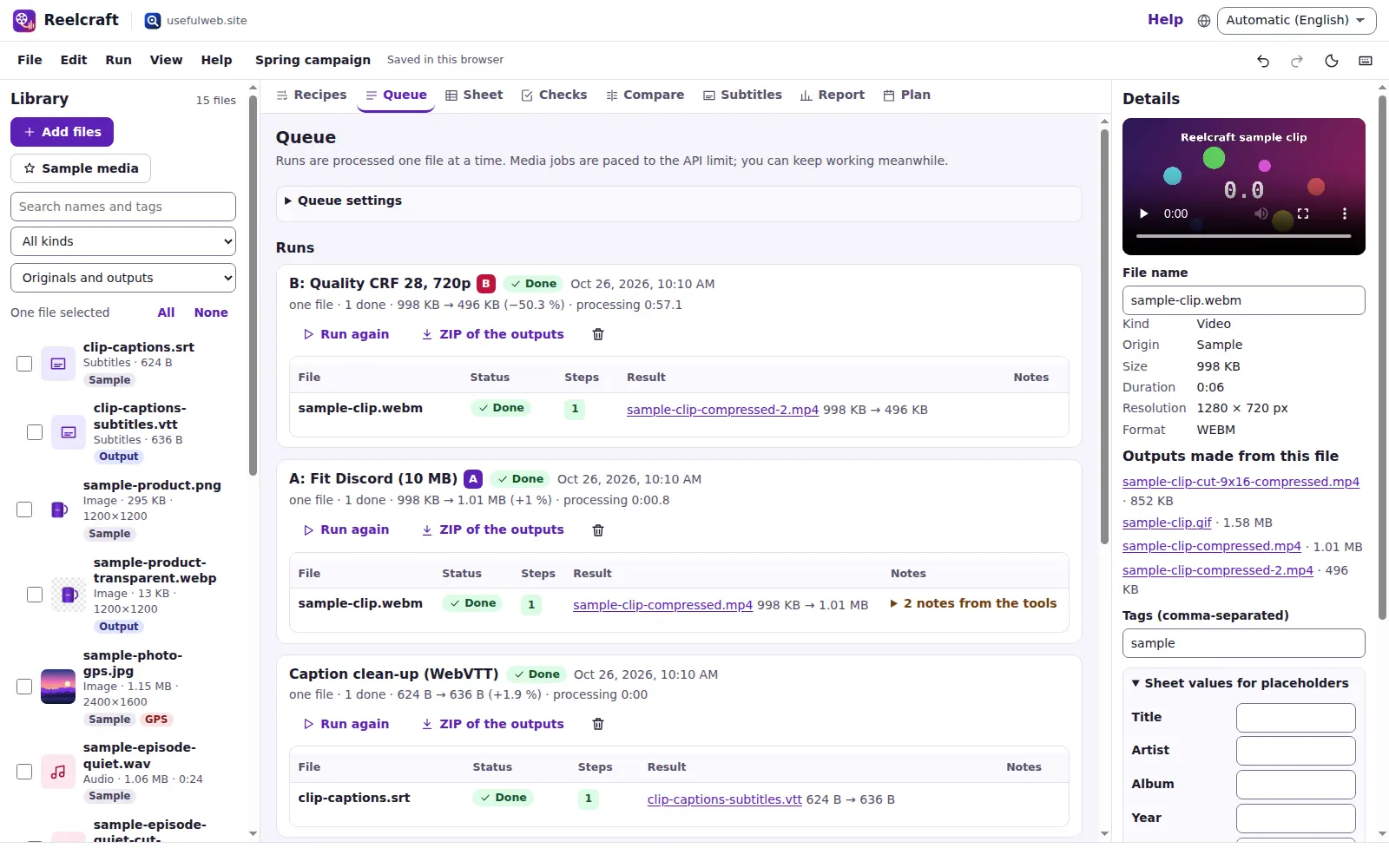
Before a run starts, the recipe editor shows how many tool calls the batch needs and the minimum time the rate limit implies. While the queue runs, the status line says what it is waiting for, for example Waiting 49 seconds for the media rate limit (6 jobs per minute). Light tools such as Subtitle Studio do not count against the media limit and may go first while the queue waits.
You can keep working while the queue runs: edit recipes, fill the Sheet, add files. Queue settings lets you lower the pace if you share the connection.
Errors
- Rate limit (HTTP 429): the queue waits for the time the server asks for and tries again.
- Server or network errors: up to three retries with growing pauses.
- Offline: the queue pauses and continues when the connection is back.
- Input problems (for example a damaged file or a format the tool cannot read) are not retried; the job is marked failed and the tool's message is shown as a full sentence.
Retry only what failed
Press Retry failed files on a run (or Run → Retry failed files). Reelcraft starts a new run with just those files and the same recipe. Run again repeats the whole run, for example after changing a setting.
Notes from the tools
Tools sometimes add warnings — a file that was already smaller than the target, or a subtitle cue that is too fast to read. They appear under notes from the tools on each job.
Ready to try it?